Public beta · Windows

Present worship
beautifully.

Songs, scripture, media and presentations on every screen in your church, made simple enough for any volunteer to run.

Beta 0.2.218 · Windows 10 & 11Download the beta

Psalmcast is in beta. Features may still change, and you may run into the odd bug.
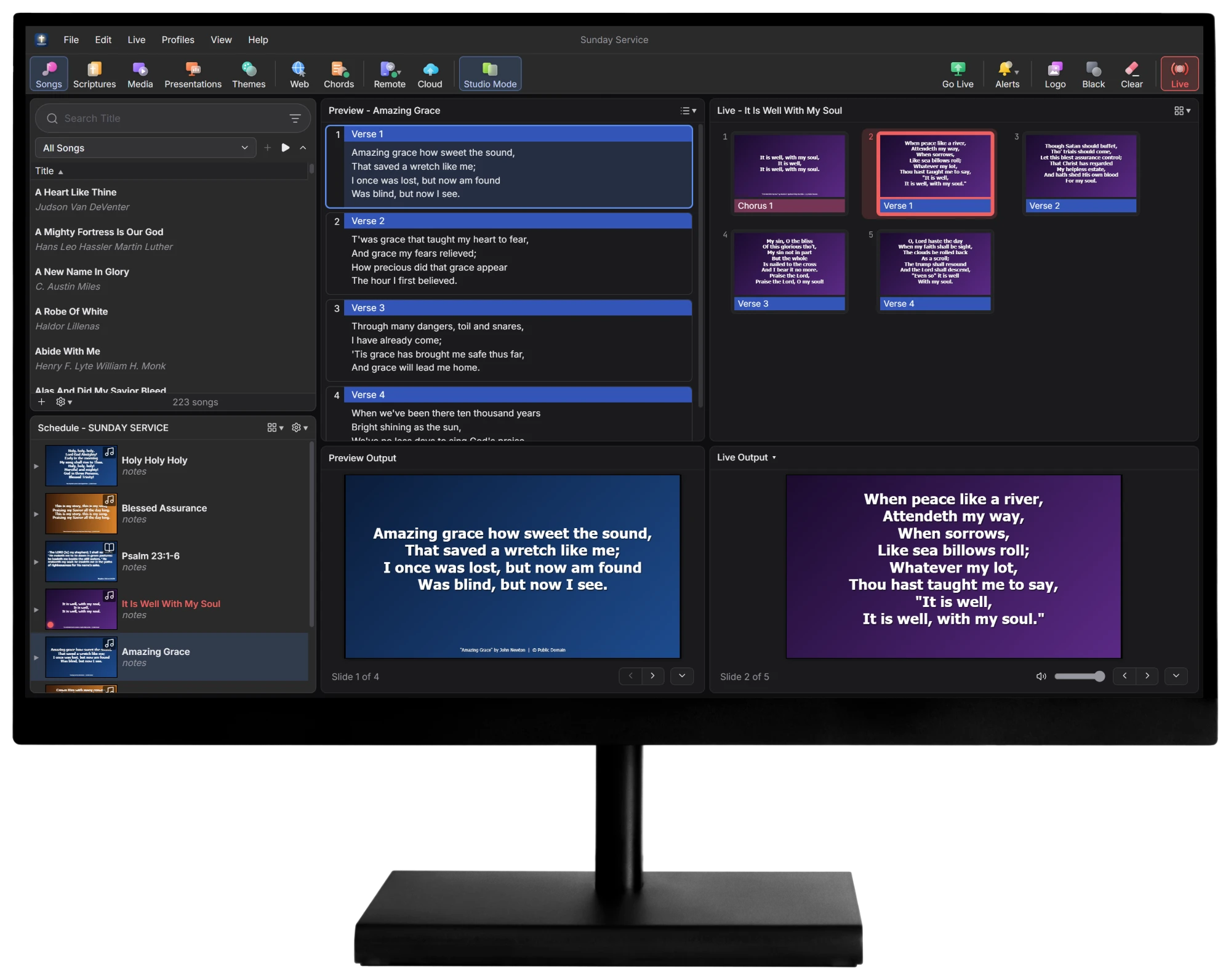
Psalmcast on a desktop monitor: a Sunday schedule on the left, Amazing Grace in Preview and It Is Well With My Soul on Live

Features designed
for Sunday morning.

Everything the person at the sound desk needs, laid out so nothing gets missed during the service.

Psalmcast · Sunday Service
Preview and Live panes with song slides and both outputs
It Is Well With My SoulLive · Verse 1 of 5

Preview, then go live

Line up the next song in Preview while the current one stays on screen. Click a slide and it fades in on the projector.

Psalmcast · Scriptures
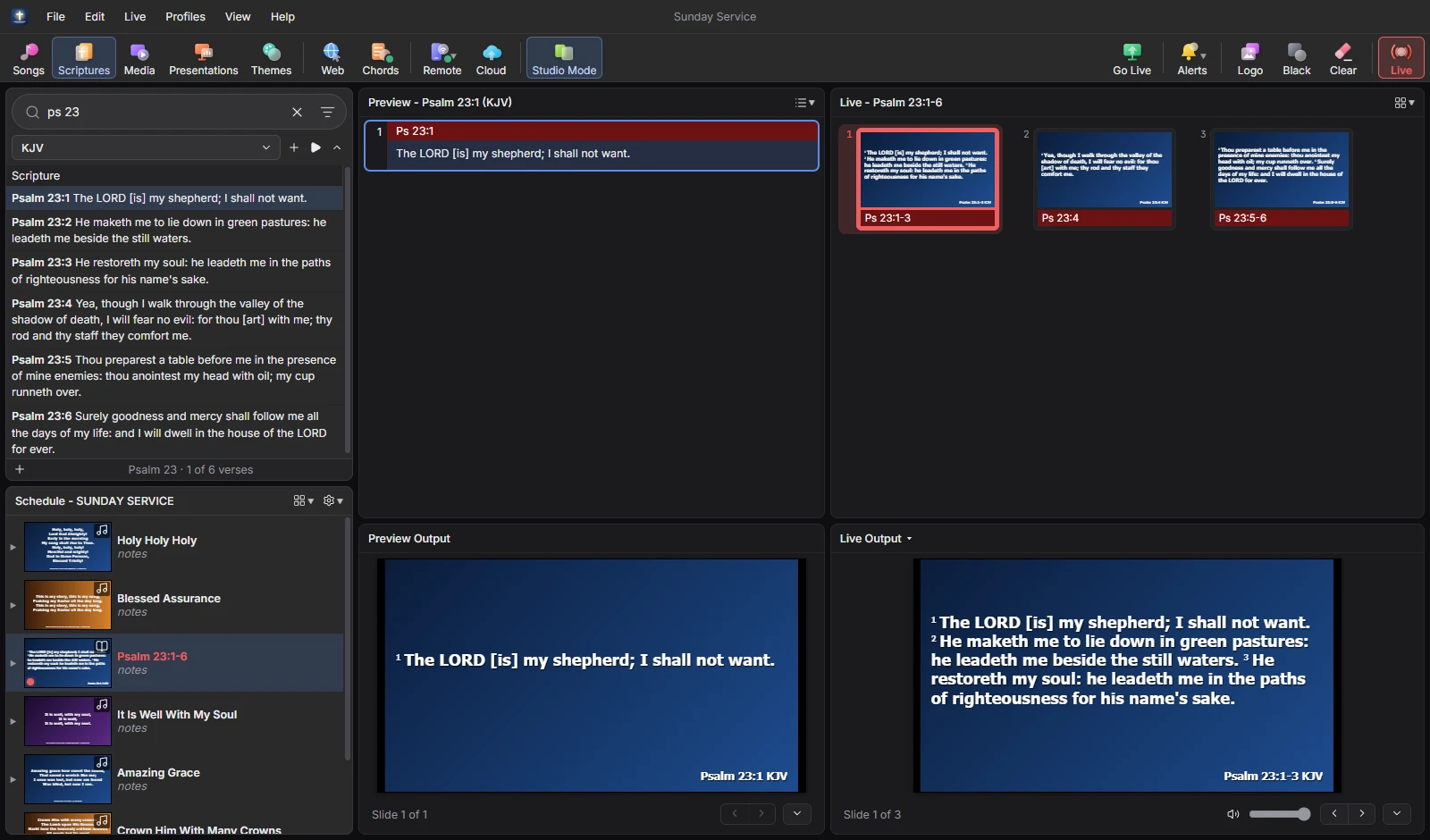
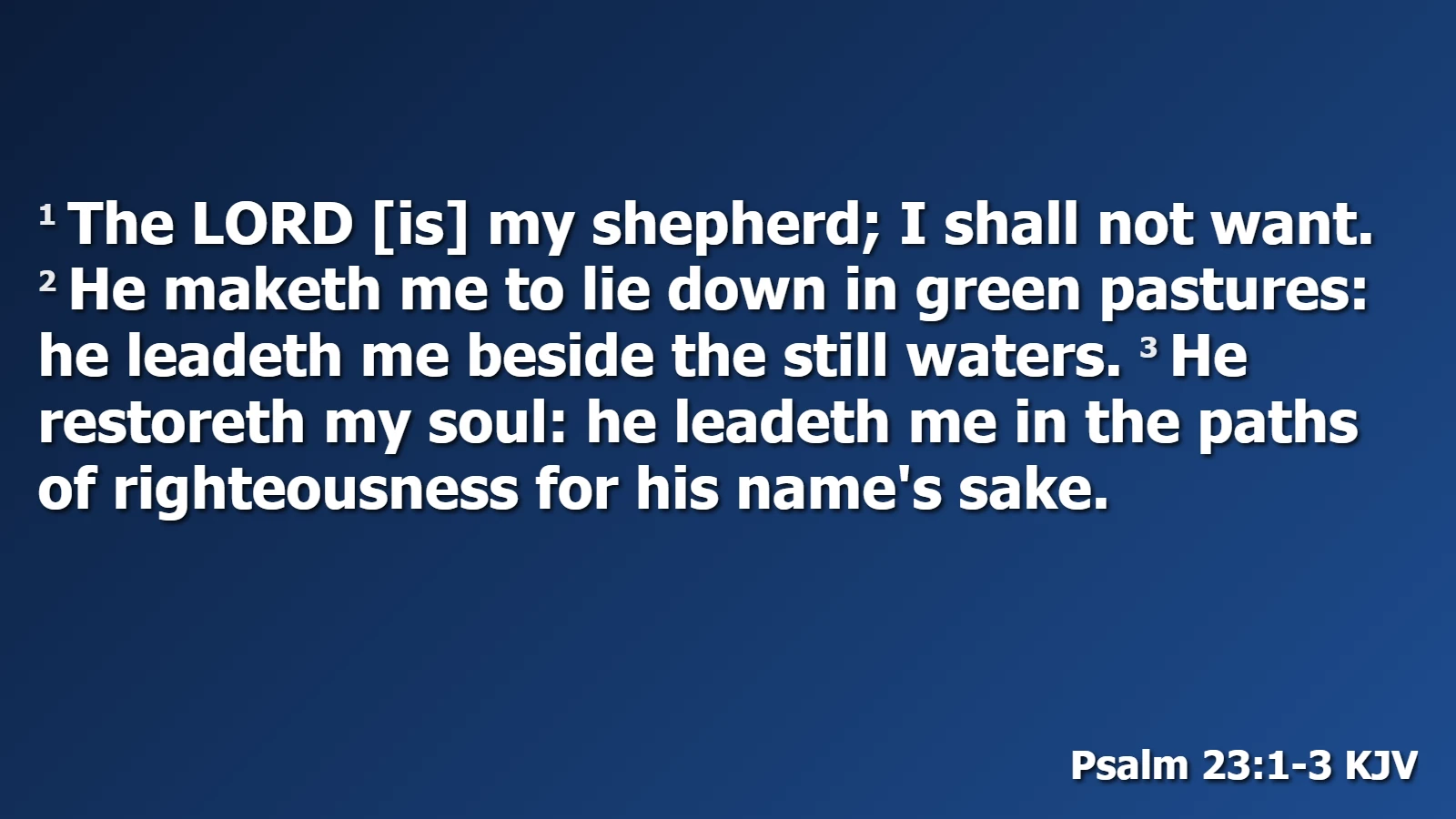
Scripture search for 'ps 23' listing Psalm 23 in the King James Version
Psalm 23:1-3 on the projector
Live outputPsalm 23:1-3 KJV

Scripture in seconds

Type ps 23 or 1 thes 1 3 5 and the verses are there. Search by keyword or phrase, and show two translations side by side.
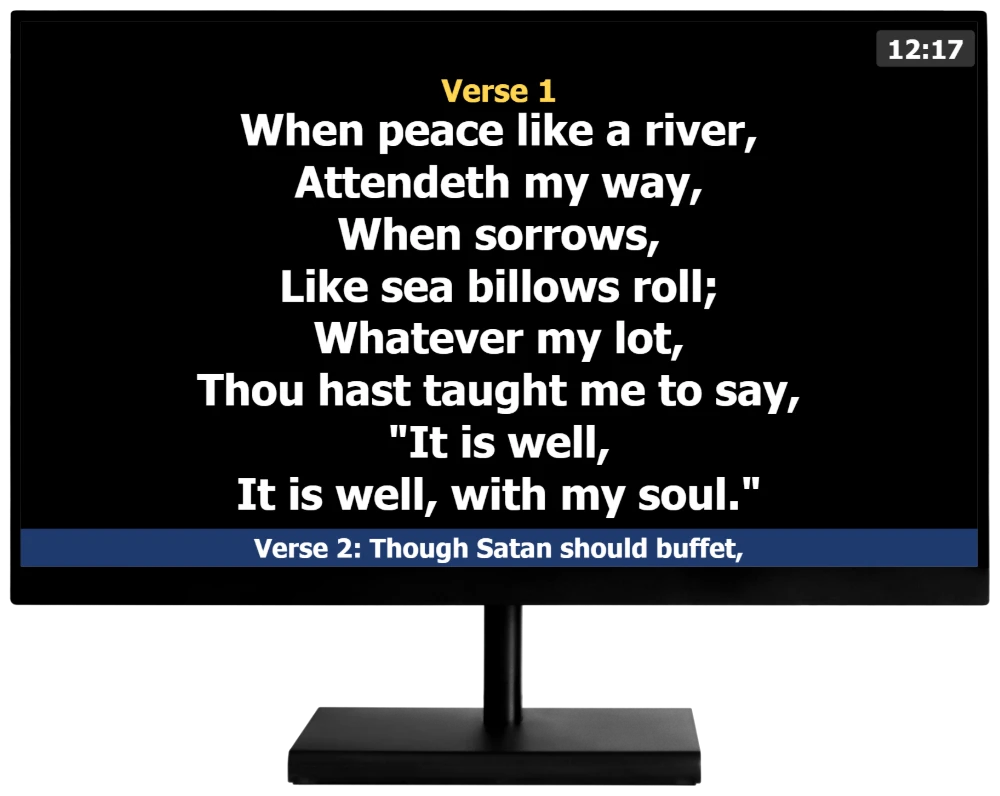
Stage display on a monitor showing Verse 1 of It Is Well With My Soul, a clock and the next verse
Clock & countdownService intervals on stage
Next: Verse 2Always one step ahead

A stage display for the band

The foldback screen shows the lyrics with their labels, what's next, a clock and private messages from the desk.

Psalmcast · Chords
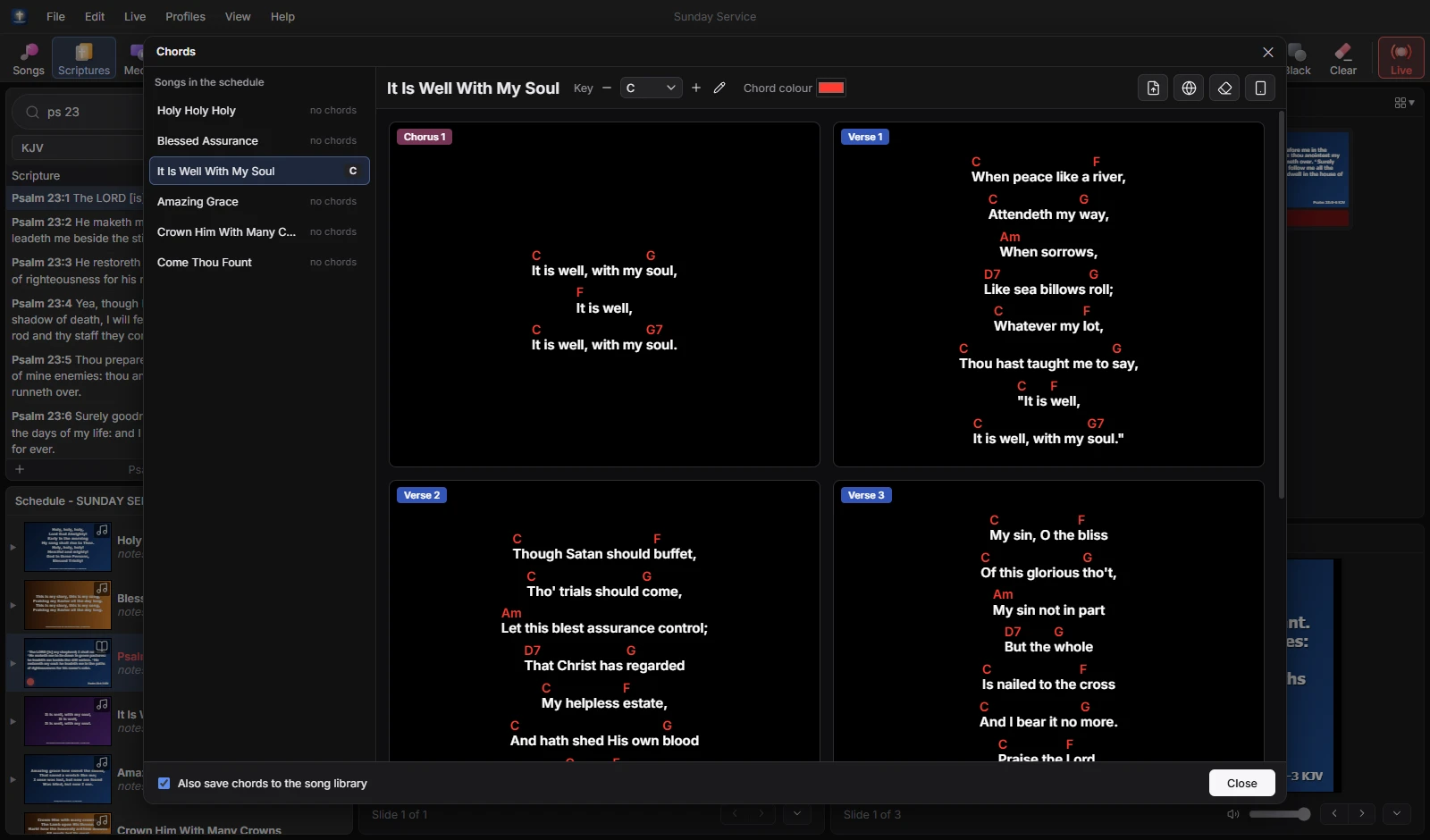
Chords editor with chords over the verses of It Is Well With My Soul in the key of C
Key of C → DTranspose in one click

Chords for the band

Import a chord sheet from PDF, Word or text and Psalmcast matches it to the slides. Musicians follow the live slide on their own devices.

And everything else.

The tools you'd expect from a full presentation suite, plus a few you didn't know you needed.

  • Cloud librarySongs, themes, media and schedules shared between PCs. Works offline, syncs in the background.
  • Network output for OBSSend Live, Alternate or Stage to OBS as a browser source, with a transparent background for lower thirds.
  • Remote controlPair a phone or tablet with a QR code and PIN. An HTTP API works with Bitfocus Companion.
  • Online videosPaste a YouTube or Vimeo link, or a video URL, and it plays full screen with seek and volume controls.
  • PowerPoint importBring in slides, notes and timings, then update from the PowerPoint file when it changes.
  • Themes & transitionsSong, scripture and presentation themes. Fade, push, wipe, zoom or cut between slides.
  • AlertsScrolling announcements, stage-only messages and nursery alerts, without stopping the song.
  • MIDI controlMap notes, CC and program changes to any action. Press Learn and play the key.
  • EasyWorship importCopy over songs, media, Bibles, presentations, themes and .ewsx schedules. Your originals are only read.
  • SongSelectSign in inside the app and downloaded lyrics open straight in the Song Editor.
  • ProfilesSeparate libraries, settings and schedules for each person, team or service.
  • Alternate outputA second room or livestream gets its own themes, alerts and audio settings.
  • Smart collectionsRule-based and manual collections for songs, media, presentations and themes.
  • Printing & PDFSong lyrics, the schedule with a CCLI list, and a song usage report.
  • Spell checkSuggestions and Add to Dictionary in every text field, so typos never reach the screen.
  • Keyboard shortcutsEasyWorship-style keys, including V, C and B to jump straight to a verse, chorus or bridge.

Get started in
3 simple steps.

From download to your first song on screen in one afternoon, with your existing library coming along.

Download the beta
  1. 1
    Psalmcast SetupBeta 0.2.218 · per-user install
    Start menu & desktop shortcutsDone
    Windows 10Windows 11

    Download the beta & install

    Run the installer, pick a folder, and Psalmcast adds itself to the Start menu. Double-click any .pwsx schedule to open it.

  2. 2
    Import EasyWorship DataFile › Import
    SongsCopied
    BiblesCopied
    Media & themesCopied

    Bring your library along

    Moving from EasyWorship? One import copies your songs, media, Bibles, themes and schedules. Or start fresh and add songs as you go.
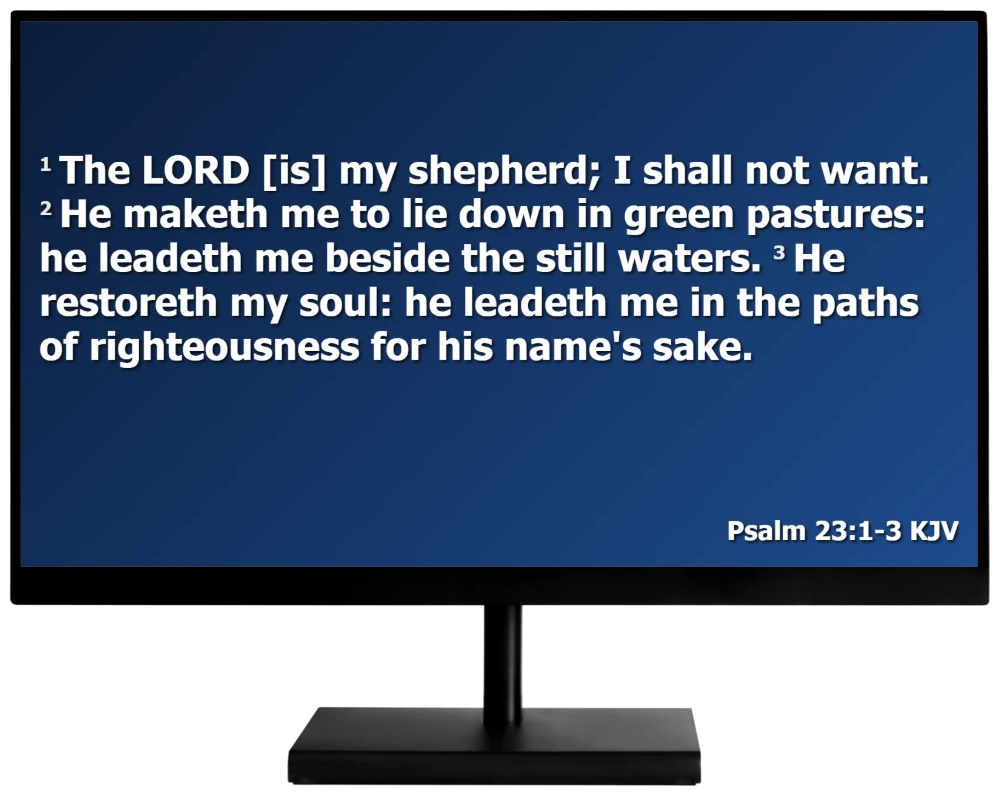
  3. 3
    Psalm 23 on the live outputGo Live

    Build the service & go live

    Drag songs, readings and videos into the schedule, then present them on the projector, the stage screen and the livestream.

Made for everyone
on the Sunday team.

From the sound desk to the stage, each role gets the screen it needs.

Plan the whole set on Saturday and adjust it on Sunday. Songs, readings and videos sit in one schedule.

Worship leadersPlan the service

Big Go Live, Black and Clear buttons plus familiar shortcuts, so a new volunteer can run the screens.

Tech volunteersRun the desk

Type a reference and the passage is ready. Show two translations together when the sermon calls for it.

PreachersRead the Word

Lyrics, chords, the next verse and the clock on the stage screen and on their own devices.

Band & musiciansFollow along

A clean lower third straight into OBS over the network, with no capture card in the way.

Livestream teamReach the online church

Send a nursery alert to the main screen without interrupting the song that's on it.

Children's ministryStay in touch

You're downloading a beta

Psalmcast is still in beta, so expect some bugs and rough edges. If you find one, please send us feedback so we can fix it before the full release.

Windows may show a SmartScreen notice the first time. Click More info › Run anyway to install.

Psalmcast-Setup-0.2.218.exe123 MB